
Blinkfire Data Studio Connector
To properly use and access Blinkfire data through our data studio connector you must be actively licensed and granted access to our API. To learn more about becoming an actively licensed user please click the button below!
Once you are an actively licensed user on the Blinkfire platform and have been set up with API access you may start using the data studio connector as a way to pull Blinkfire data via our API into the google data studio.
The data studio connector is designed to act as an interface to query our reporting API. This can be done by selecting the desired endpoint from the dropdown and inputting valid parameters below.
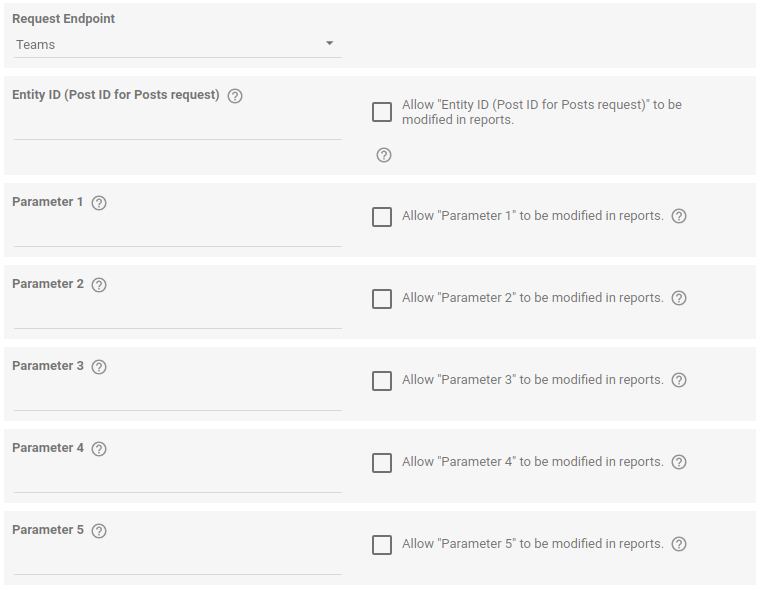
Actively licensed users with access to our API can learn more about valid endpoints and parameters by visiting our developer site here